Making corrections
Place the cursor within an underlined word. Any of the following opens the list of suggestions:
- Select the 💡 (lightbulb) in the left-hand margin.
- Use the Quick Fix editor action:
- macOS:
Cmd+. - Windows, Linux:
Ctrl+.
- macOS:
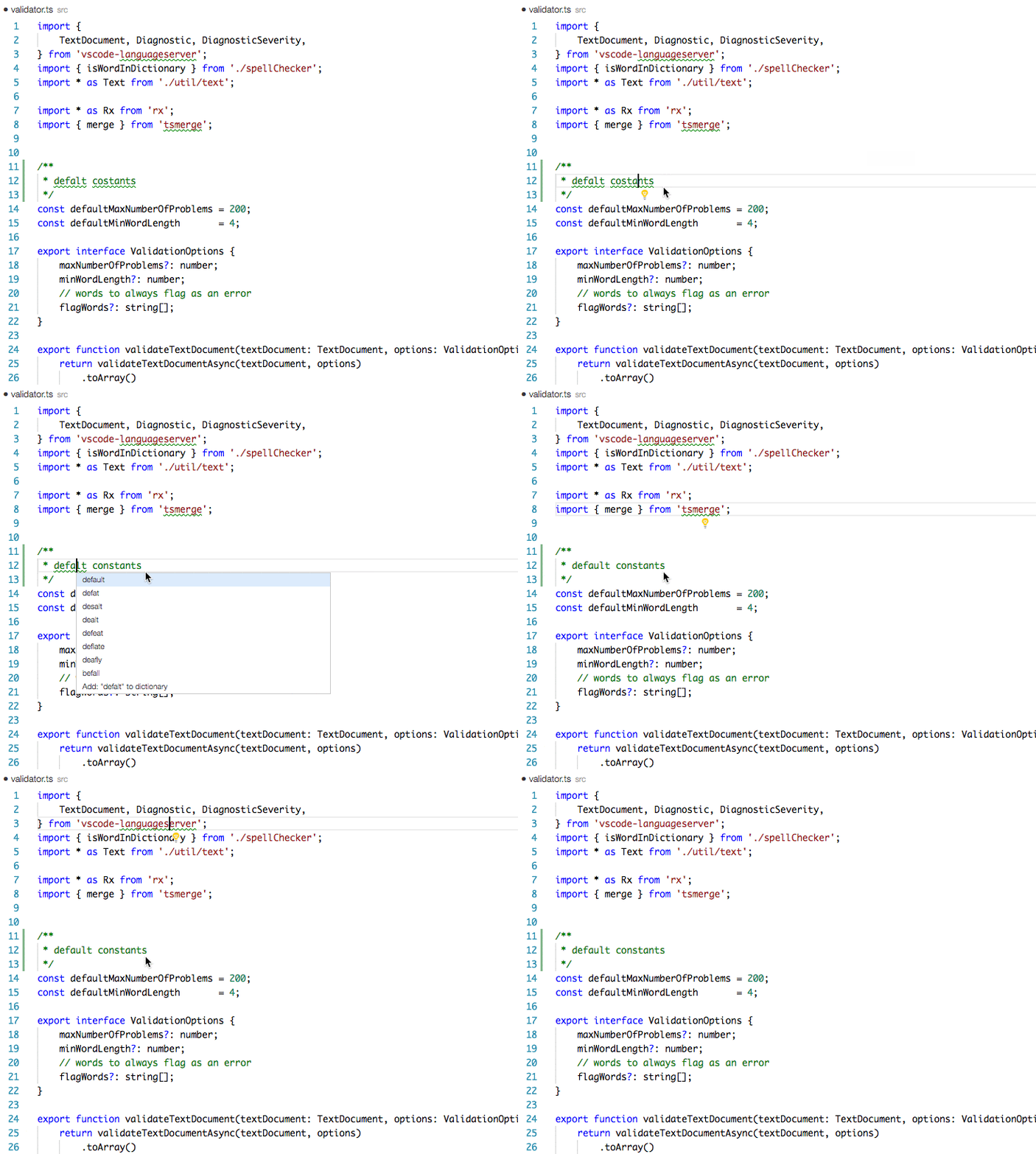
The list contains replacement suggestions, followed by the options to add the word to a dictionary or to ignore it.
The number of suggestions shown is controlled by
cSpell.numSuggestions.
Next: Adding words