Installation
Getting started
Installation, verification, and the two commands used most frequently in daily work.
- Install and verify operation
- Fix a word with
Ctrl. - Add project-specific terminology
Spell checking for source code and documentation
A spell checker for Visual Studio Code, designed for source code. It splits identifiers such as camelCase into words, and disregards symbols, hex values, and URLs.
All checking is performed locally. Dictionaries are stored on the machine; no document content is transmitted.
Installation
code --install-extension streetsidesoftware.code-spell-checker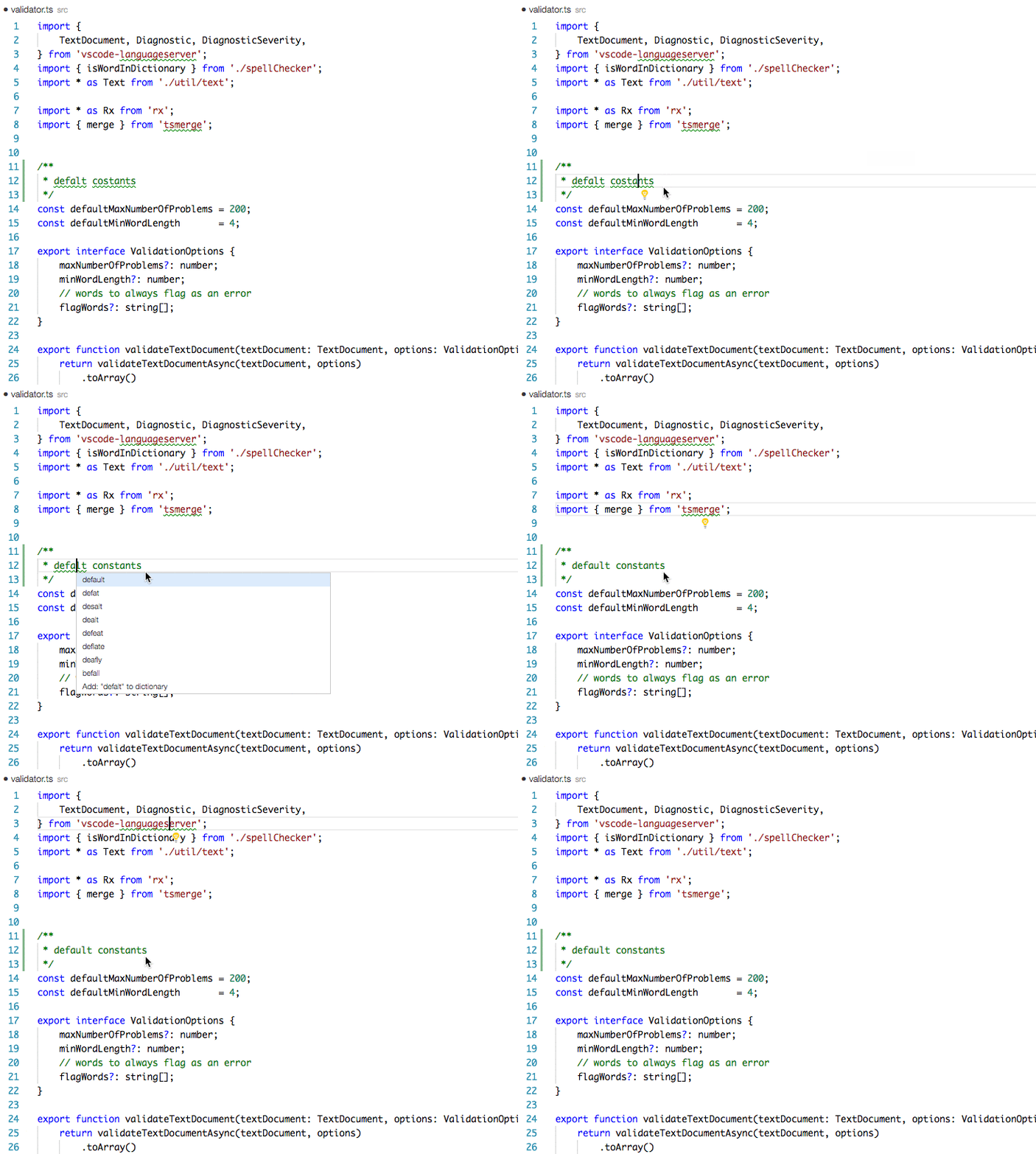
Three entry points, according to what you need.
Installation
Installation, verification, and the two commands used most frequently in daily work.
Ctrl .Behavior
Identifiers are split into their component words. Symbols, hex values, and words of three characters or fewer are not reported.
Configuration
The complete settings reference, together with the in-document cSpell: directives.
The topics consulted most often.
Local
Dictionaries and checking are local to the machine. No document content is sent to an external service.
50+ languages
Additional language dictionaries, from Dutch and German to Ancient Greek, are available as separate extensions.
25+ file types
TypeScript, Python, Go, Rust, Markdown, LaTeX, YAML, and SQL are supported by default.
Since 2016
Developed and maintained openly by Street Side Software. Sponsorship →
Unrecognized words are marked as the document is edited.
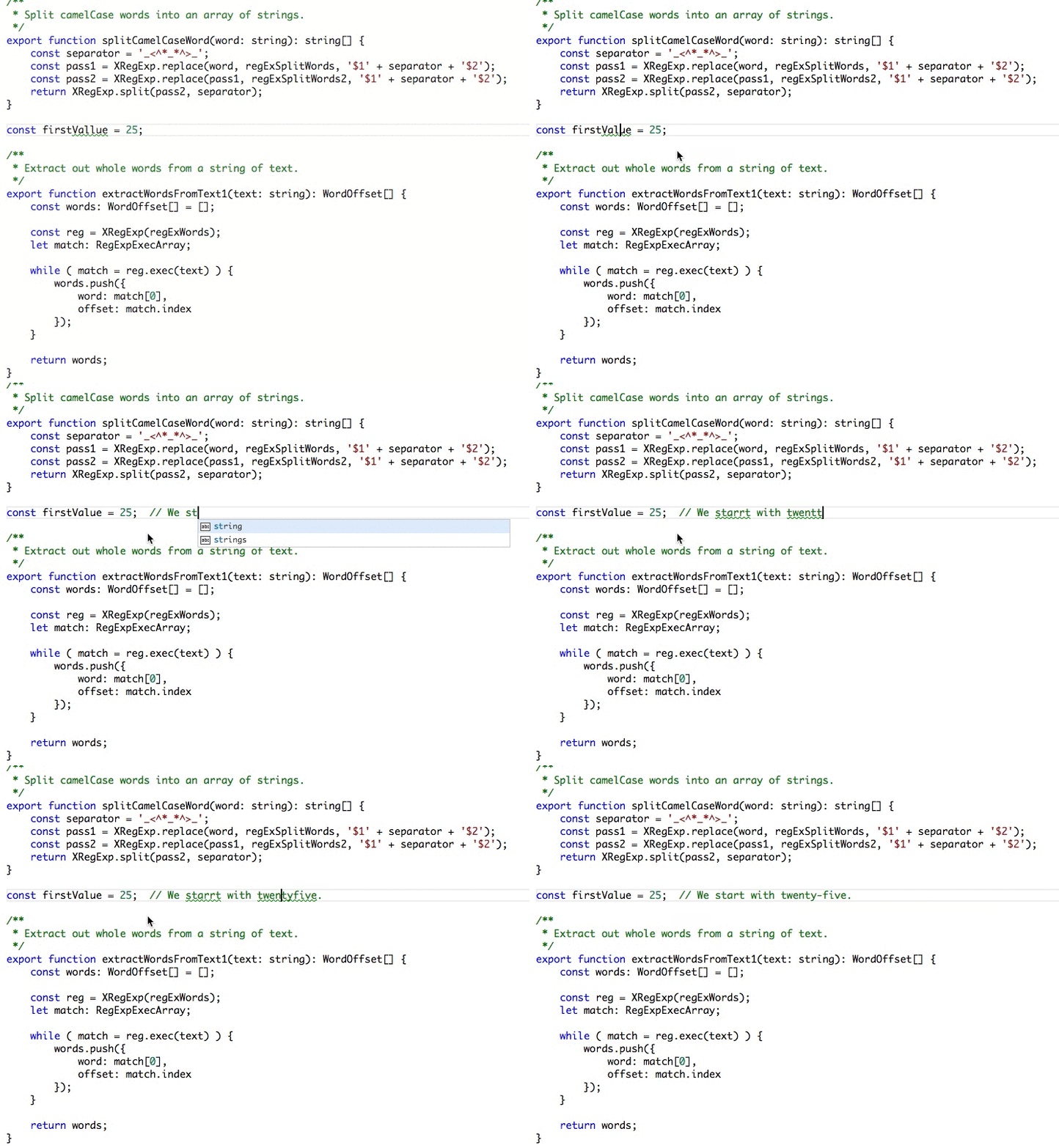
The extension operates with the default configuration; no setup is required to begin.